> For the complete documentation index, see [llms.txt](https://docs.nine-chronicles.com/introduction/llms.txt). Markdown versions of documentation pages are available by appending `.md` to page URLs; this page is available as [Markdown](https://docs.nine-chronicles.com/introduction/guide/nine-chronicles-portal/connect-nine-chronicles-address-to-the-portal.md).
# Connect Nine Chronicles address to the portal
## How to connect your Nine Chronicles address to the portal
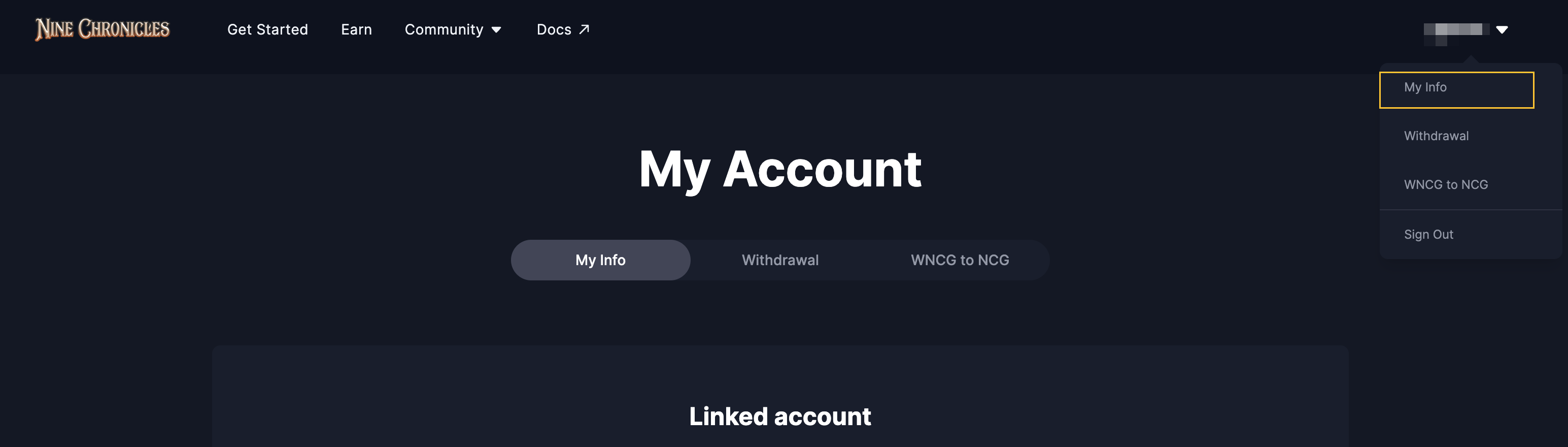
To connect Nine Chronicles address to the portal, you need to visit "My Account > My Info." You can find the button on the menu, after you signed in.
My Info is only accessible after you signed in.
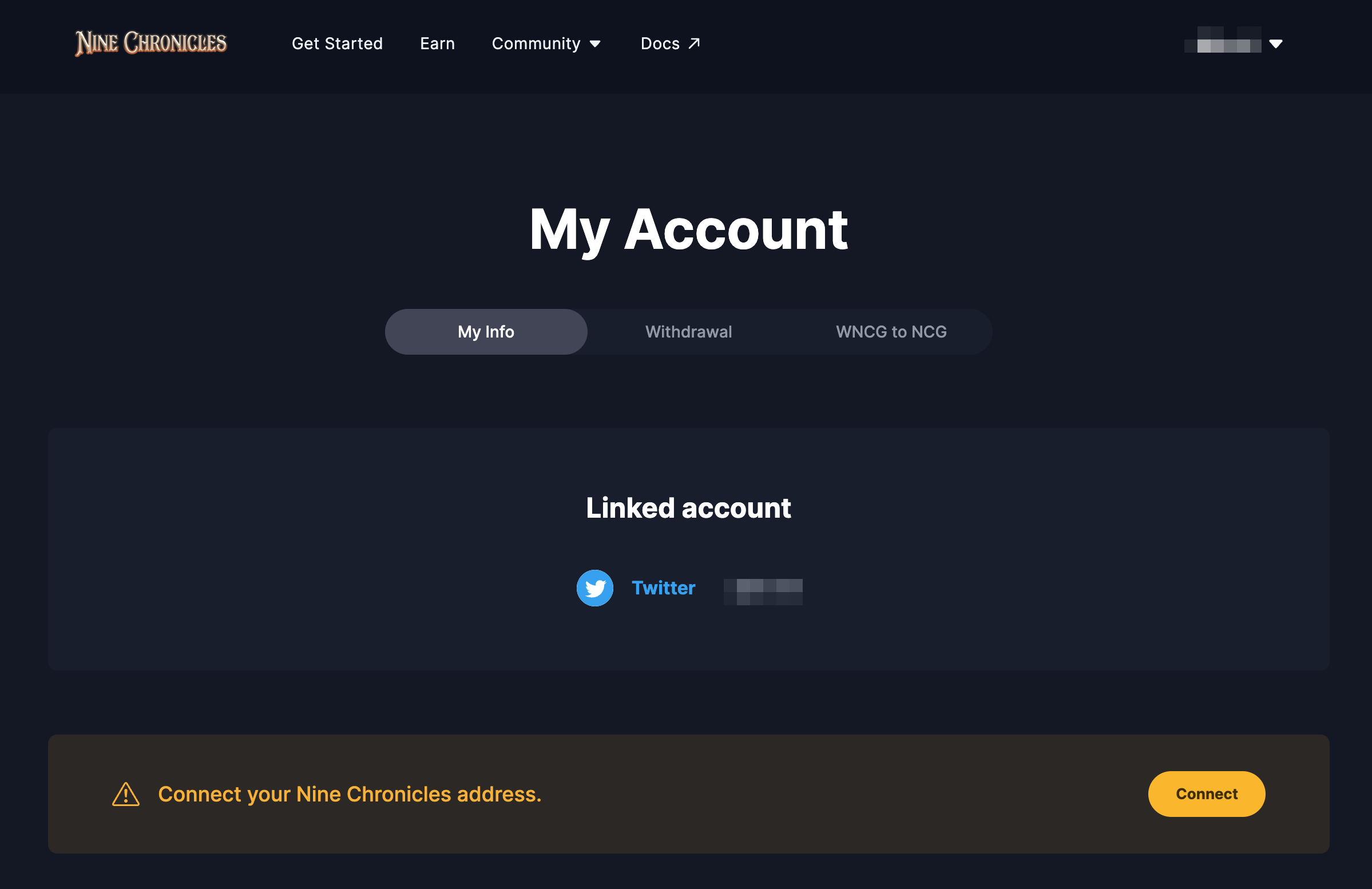
If you are not connected your address yet, you may find "Connect" button on this page.
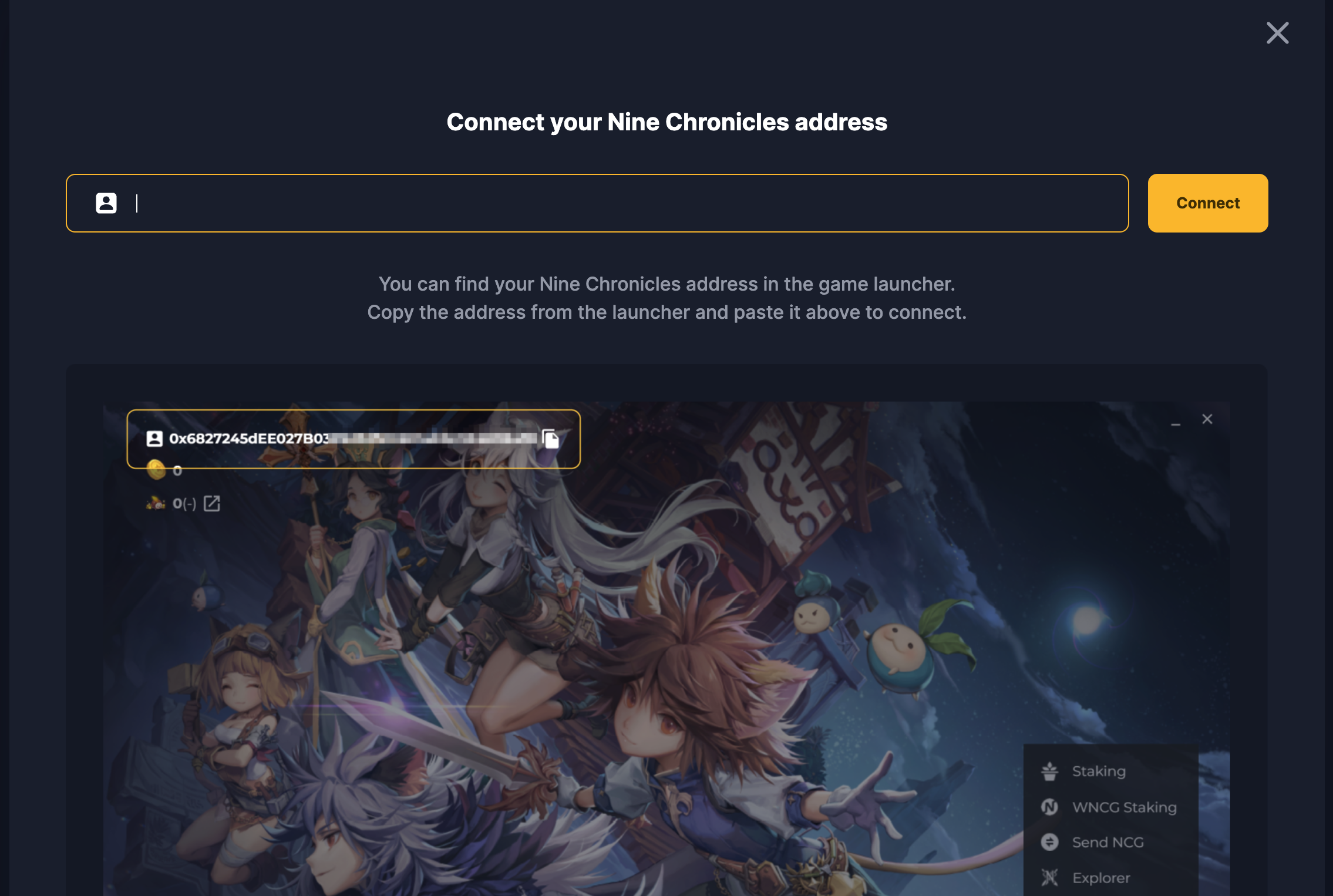
Click the Connect button, then this screen will be popped up. Copy the address from the launcher, and paste it to finish this step.